Daily Automated Content Refresh Powers AI Rankings
Daily automated content refresh is the process of automatically updating website content — such as articles, product listings, or data feeds — on a scheduled...

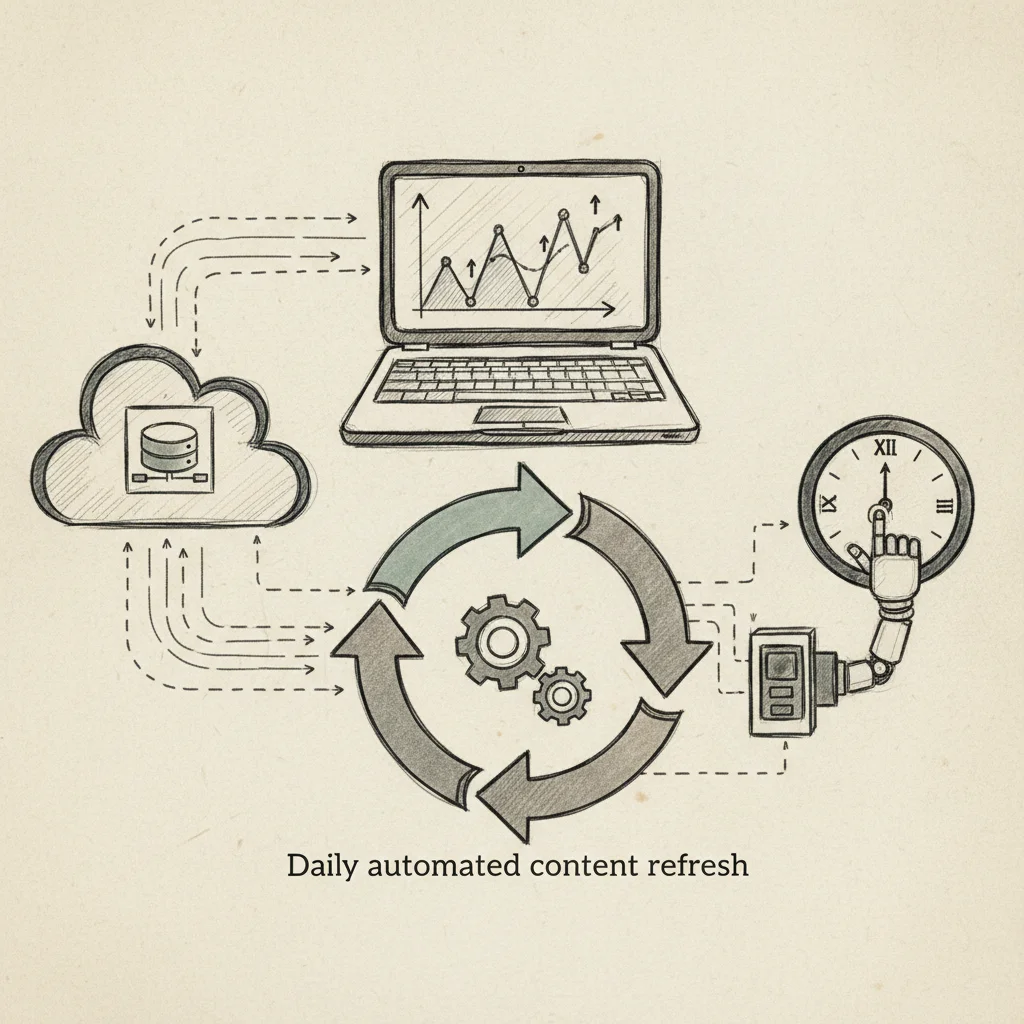
Daily automated content refresh is the process of automatically updating website content, such as articles, product listings, or data feeds, on a scheduled basis without manual intervention. It typically runs through server-side scripts, CMS plugins, or API integrations that pull fresh data and republish it at set intervals, often once per day. The result is a site that stays current for both visitors and search engines without requiring a human to trigger each update.
What Is Daily Automated Content Refresh and How Does It Work?
Daily automated content refresh is a scheduled, trigger-based process that updates live page content from an external source, no human input required after initial setup.
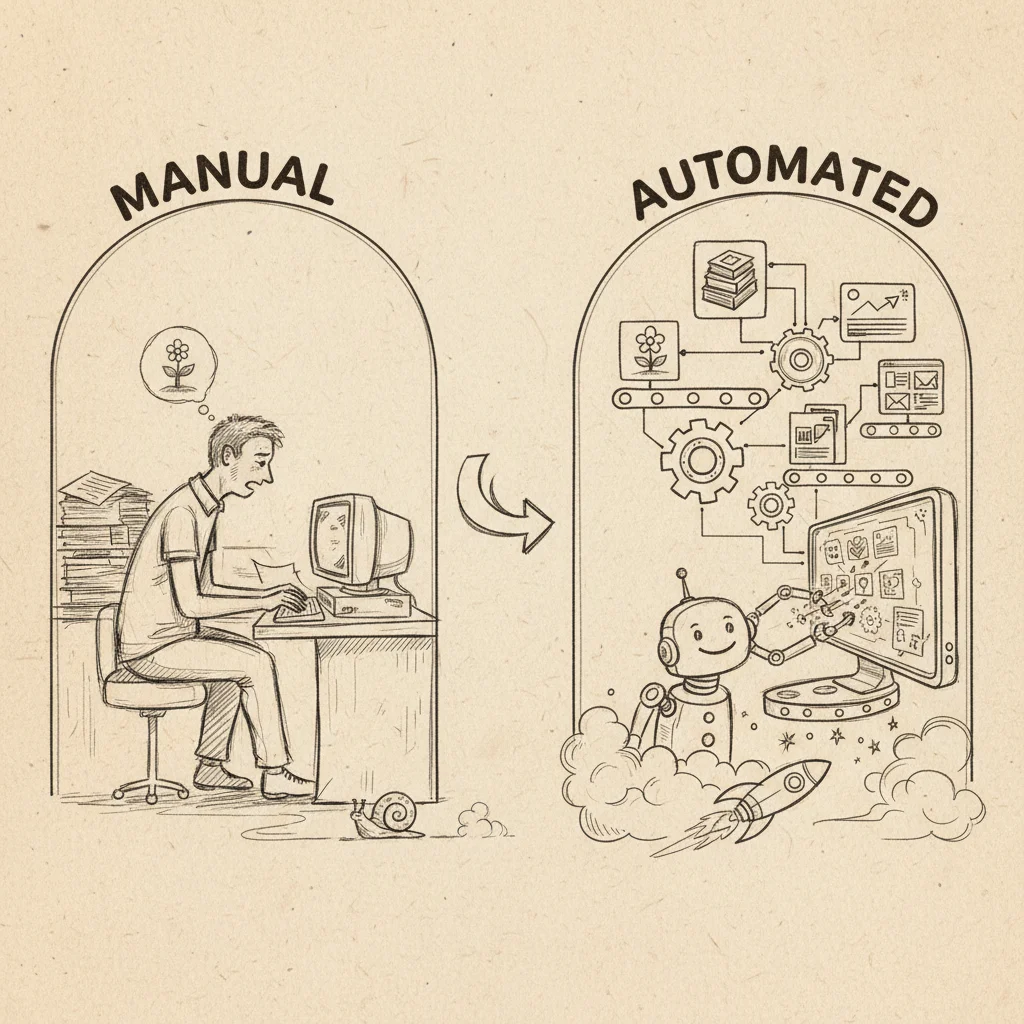
This distinguishes it from two things it's often confused with: manual editing, where a person logs into a CMS and makes changes themselves, and real-time data streaming, where content updates continuously in response to live events. Automated refresh sits between those extremes, it runs on a fixed schedule, typically once per day.
The Three-Step Mechanics
The process follows a consistent pattern regardless of the platform. First, a scheduler, a cron job, a task queue, or a built-in CMS scheduler, fires at a predetermined time. Second, a script or plugin fetches updated content from a source: a database, an external API, or an RSS feed. Third, the CMS or server writes that content to the live page, replacing or supplementing what was there before.
A practical example: a restaurant configures a cron job to run at 6 a.m. each morning. The job pulls that day's specials from a Google Sheet and overwrites the "Today's Specials" page on the restaurant's website, automatically, every day, without the owner touching anything.
There's an important distinction within this process. Refreshing existing content means updating elements on a published page, a price, a statistic, a timestamp, or a paragraph of copy. Republishing entirely new content means generating and posting a new page or article. Both fall under the daily automated content refresh umbrella, but they carry different SEO implications: updating an existing URL preserves link equity and indexing history, while new URLs must be crawled and indexed from scratch.
Why Automating Content Refresh Matters for Search and AI Visibility
Google's ranking systems apply freshness signals to time-sensitive queries, searches for news, prices, local events, and product availability all factor in how recently a page was updated. A page that changes daily sends a stronger freshness signal than one last edited six months ago.
AI answer engines compound this pressure. ChatGPT, Perplexity, Gemini, and Claude pull from recently indexed sources when constructing recommendations. A stale page that hasn't been crawled recently is less likely to surface in an AI-generated answer, even if the underlying information is accurate. Businesses that keep content current give both traditional crawlers and AI retrieval systems a reason to return to their pages more often.
The Main Methods for Automating Content Refresh
Three technical approaches exist for automating content refresh: browser-side reloads, server-side scripts, and API-based pipelines, each serving a different purpose.
Browser Extensions vs. Server-Side Solutions vs. API-Based Approaches
Browser-side tools, including meta refresh tags and extensions like Auto Refresh Plus, reload a page inside a single user's browser. They do not touch the server, so no other visitor sees updated content, and search engine crawlers see nothing new. These tools suit dashboard monitoring, not SEO-driven content freshness.
Server-side solutions are the correct approach when you need changes visible to all visitors and crawlable by Google, ChatGPT, or Perplexity. Cron jobs running PHP or Python scripts, WordPress's built-in WP-Cron, and Drupal's Queue API all rewrite content directly on the server. Every visitor and every crawler sees the same updated page.
API-based pipelines sit at the top of the hierarchy for data-driven sites. A third-party service or internal API pushes updated prices, inventory counts, or news feeds into your CMS via REST or GraphQL calls on a fixed schedule, the right fit for e-commerce catalogs or live data sources where content changes faster than any manual process can keep up.
The hierarchy is straightforward: browser-side controls display only, server-side gives you content ownership, and API-based pipelines deliver data-driven scale.
Real-World Code Examples for Custom Refresh Solutions
A basic daily automated content refresh using Linux cron looks like this, one line schedules the job, and a short PHP script does the work:
# Run at 6:00 AM every day
0 6 * * * /usr/bin/php /var/www/refresh.php
<?php
$data = json_decode(file_get_contents('https://api.example.com/feed'), true);
$pdo->prepare("UPDATE posts SET body =? WHERE id = 1")->execute([$data['content']]);?>This three-line script fetches a JSON feed and writes the result to a database field, making the update live for every visitor and indexable by any crawler within the next crawl cycle.
How to Choose the Right Auto-Refresh Approach for Your Use Case
Match your refresh method to your site type, content volume, and team capacity, the wrong choice wastes dev time or fails to update content for search engines at all.
Which Auto-Refresh Method Works Best for Browser Extensions vs. Backend Systems
Browser extensions like Auto Refresh Plus handle single-user tasks, price tracking, monitoring a live dashboard, watching for a product to come back in stock. They update what you see in your browser tab; they do nothing for other visitors or search engine crawlers. Backend systems, by contrast, push updated content to the server so every visitor and every bot sees the same fresh data. Beginners often conflate these two goals, choosing a browser tool when they actually need a server-side solution.
Use this three-question decision tree to find the right method:
- Does the update need to be visible to all visitors and search engines? If yes, you need a backend solution, not a browser extension.
- Is the source data from an external API or internal database? If yes, build an API-based pipeline. If no, a CMS plugin or cron job is usually enough.
- Do you have developer resources? If yes, a custom cron script or managed API pipeline is viable. If no, a WordPress or Drupal plugin requires near-zero coding to configure.
Content volume is also a deciding factor. Refreshing 10 pages daily with a plugin is trivial. Refreshing 10,000 product pages, common in e-commerce, requires a queue-based system to prevent timeout errors and server overload.
A daily automated content refresh strategy for an e-commerce store with live inventory almost always needs an API pipeline. A static brochure site with occasional data updates runs fine on a server-side cron job paired with a CMS plugin. Internal dashboards used by a single team member are the one legitimate home for client-side or browser-based refresh tools.
Performance Implications and Best Practices for Refresh Frequency
Daily refresh hits the sweet spot for most sites, frequent enough to stay current, infrequent enough to preserve server capacity and crawl budget.
What Refresh Frequency Balances Freshness with Server Performance
Refresh frequency is a direct trade-off. Too infrequent and your content goes stale, losing relevance for both users and search engines. Too frequent, say, every hour across thousands of pages, and you risk server overload, wasted crawl budget, and diminishing SEO returns with no meaningful content change to justify the cost.
Crawl budget is the finite number of page crawls Google allocates to your site per day. When you trigger simultaneous refreshes across a large page set, Googlebot can exhaust that budget processing unchanged or trivially updated pages, delaying indexing of the content that actually matters. A daily automated content refresh, run in a controlled queue, avoids this entirely by spacing updates across the crawl cycle rather than flooding it.
For most informational sites and local business pages, once per day is the right cadence. Product pages with live inventory or pricing may warrant more frequent updates, but that's a narrower case this section doesn't address.
Scheduling Content Refresh During Off-Peak Hours to Avoid Server Overload
Run refresh jobs between 2 a.m. and 5 a.m. in your site's primary audience timezone. Server load is at its lowest in that window, and updated content is ready before the morning traffic spike, and before Googlebot's typical daytime crawl activity begins.
For sites with global audiences, stagger jobs by region: EU content at 3 a.m. CET, US content at 3 a.m. EST. This prevents a single simultaneous server spike that would occur if both regions refresh at the same clock time.
Use a queue-based system, WordPress's Action Scheduler or Drupal's Queue API, rather than a single script execution. Queuing distributes server load across several minutes and eliminates PHP timeout errors that kill bulk update jobs mid-run.
How to Implement Automated Content Refresh Across Different CMS Platforms
Each major CMS handles scheduled content updates differently, WordPress, Drupal, Joomla, and Statamic each require a distinct setup to run reliably at scale.
WordPress: WP-Cron and Its Limits
WordPress includes WP-Cron, a built-in task scheduler that fires when a site receives a page request. For low-traffic sites, the Advanced Cron Manager plugin adds a visual interface for scheduling post updates without writing code.
On high-traffic sites, WP-Cron misfires because it depends on visitor traffic to trigger, a problem for daily automated content refresh jobs that must run at a precise time. The fix: disable WP-Cron in wp-config.php by setting DISABLE_WP_CRON to true, then configure a real server cron to call wp-cron.php directly on your chosen schedule.
Setting Up Automated Content Refresh in Drupal, Joomla, and Statamic
Drupal uses its core Cron system as the scheduling backbone. Pair it with the Scheduler module for date-based publish and unpublish control, and the Feeds module to pull external content sources on a timed basis. For large content volumes, Drupal's Queue API processes updates in batches, preventing server timeouts that would otherwise interrupt a bulk refresh run.
Joomla 4.1 introduced a native Scheduler component, removing the need for a third-party cron solution. Combined with Joomla's built-in Content Versioning, you get a full audit trail of every refresh. The Regular Labs Scheduler extension adds granular time controls, useful when you need sub-hourly refresh intervals the native tool does not support.
Statamic stores content as flat files rather than database rows, so there is no built-in scheduler to call. The standard approach is a Git-based workflow: a GitHub Actions CI/CD pipeline commits updated content files on a defined schedule, then triggers a site rebuild or cache clear. This keeps content versioned and deployable without a database dependency.
Implementing Timezone-Aware Refresh Timing for Global Content Distribution
Across every platform above, store all scheduled times in UTC at the system level and convert to local display time only at the presentation layer. This single rule prevents daylight saving time shifts from causing refresh jobs to fire an hour early or late, a bug that is easy to miss and difficult to debug after the fact.
Frequently Asked Questions
Does automated content refresh hurt SEO if pages are updated too frequently?
Updating pages too frequently does not hurt SEO, provided each update adds genuine informational value rather than cosmetic changes. Google's crawlers reward freshness signals, the Query Deserves Freshness algorithm actively boosts recently updated pages for time-sensitive queries. The risk is not frequency itself but thin updates: swapping a date or shuffling a sentence without improving the page's depth or accuracy. Automated systems that rewrite outdated statistics, add new examples, or expand thin sections consistently produce positive ranking outcomes rather than penalties.
Can you automate content refresh without a developer or coding knowledge?
Yes, several SaaS tools handle automated content refresh entirely without coding, including Moonrank, which publishes and optimizes content daily on autopilot after a one-time onboarding. Business owners set their niche, target keywords, and competitive context once; the system handles generation, publishing, and technical optimization from that point forward. No schema markup editing, no CMS configuration, and no manual scheduling are required from the user.
How does automated content refresh affect AI engines like ChatGPT and Perplexity?
Fresh, well-structured content increases the probability that AI engines like ChatGPT, Gemini, Claude, and Perplexity surface your business in their recommendations. These engines pull from indexed web content and prioritize sources that demonstrate consistent authority, regular updates signal an active, credible source. Pairing daily content refresh with technical signals like schema markup and llms.txt configuration, as Moonrank does, gives AI retrieval systems clearer data to parse, which directly improves recommendation frequency.
What is the difference between a content refresh and a page reload?
A content refresh means substantively updating the information, structure, or depth of a published web page to keep it accurate and relevant. A page reload, as used in browser tools and news sites, is an automatic browser action that re-fetches the same page from the server without changing anything. The two terms describe entirely different processes: one is an SEO and editorial practice; the other is a front-end browser behavior.

Conclusion
Daily automated content refresh is not a maintenance task, it is an active signal that tells both Google and AI engines like ChatGPT and Perplexity that your business is a current, authoritative source worth recommending. The businesses gaining ground in AI search right now are publishing consistently, updating stale pages with real informational improvements, and pairing that content output with technical signals like schema markup and structured data.
Three actions move the needle fastest: audit your highest-traffic pages for outdated statistics, set up a daily publishing cadence, and ensure your technical AI-readability signals are configured correctly. If you want all three running on autopilot without hiring an agency, start a free 3-day trial at moonrank.ai.
Recommended Articles
Explore more from our content library: